CarTV vs AutoIPTV: Which Car TV App Should You Choose?
CarTV M3U IPTV Player or AutoIPTV? What's the difference, what to check before installing a car TV app, and which one fits your car and phone.
Read articleStep-by-step guides, car optimization tricks, and the latest news on Android Auto and multimedia playback.
CarTV M3U IPTV Player or AutoIPTV? What's the difference, what to check before installing a car TV app, and which one fits your car and phone.
Read articleBrand-by-brand guide to IPTV on Android Auto: wired or wireless, touchscreen or rotary knob, plus tips for Toyota, Hyundai, Kia, VW, Ford, Mazda, BMW, Mercedes and more.
Read article
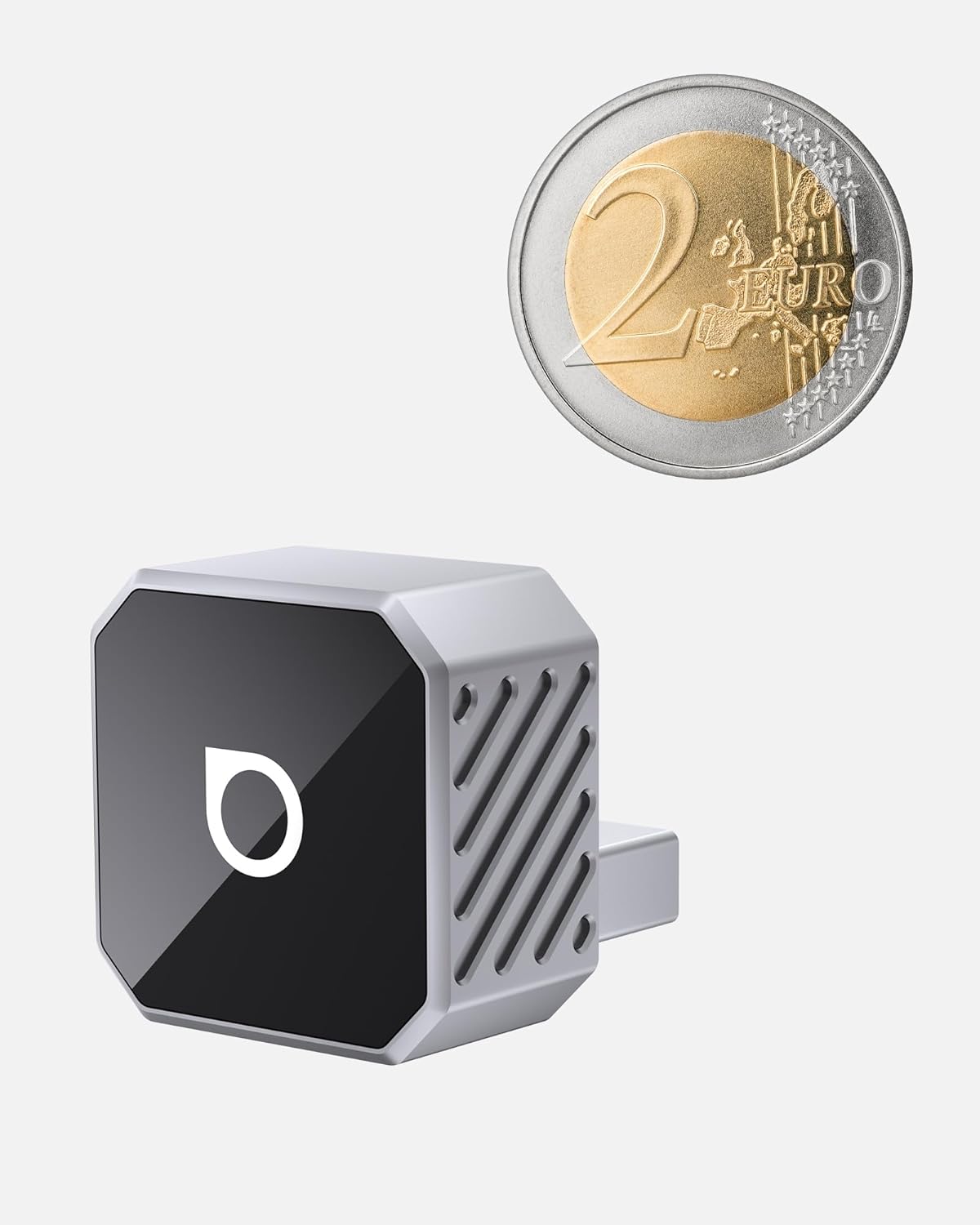
Discreet profile, aluminum heat dissipation, and automatic instant connect on engine start.
Learn MoreThe real options for IPTV on Apple CarPlay: parked video via AirPlay, apps like APTV, CarPlay AI Boxes, and the Android Auto alternative.
Read articleLooking for an Xtream player for Android Auto? Why XCIPTV, Smarters or TiviMate don't show up in the car, and how to use your Xtream Codes account with a native player.
Read articleLooking to test an Xtream Codes API account? Learn how trial credentials work, how to identify active servers, and how to verify connections online for free.
Read articleLooking for a Car TV APK to watch TV in your car? What a good Android Auto TV app needs, how to install the APK safely and load your M3U playlist or Xtream account.
Read articleLooking for APTV on Android Auto? Discover how APTV works, why mobile players struggle on car screens, and why AutoIPTV is the superior native alternative.
Read articleDiscover the best applications for Android Auto in 2026. From advanced navigation to native video and television players for your car.
Read article2026 Buying Guide: How to choose the best Android radio or screen for your car. Hardware requirements (RAM, Processor) to play video and IPTV without lag.
Read articleAnalysis of the best adapters and dongles to convert your wired Android Auto to wireless. Improve connection and transmission speed in your vehicle.
Read articleLearn how to enable developer mode on Android Auto step by step. Allows installing third-party apps (APK) and unknown sources in your car.
Read articleFermata Auto stopped working? Discover the best modern alternatives and native players to keep watching video and IPTV in your car.
Read articleIs the sound going one way and the image another? Discover how to eliminate audio latency when playing videos or IPTV on the Android Auto screen.
Read articleHow to update Android Auto to the latest version: from Google Play, through the beta program, via APK, and how to update your car's system. Fixes disconnections and lag.
Read articleDiscover how to watch YouTube on your car screen. We dismantle the myths about legality, Google blocks, and the use of dongles and adapters (AI Box).
Read articleDiscover how to install and play IPTV natively on Android Auto. Step-by-step guide to adding M3U lists and Xtream Codes to your car screen.
Read articleLegal analysis on playing video, IPTV, and movies on the vehicle's main screen (Android Auto). Fines, regulations, and safety tips.
Read articleDoes your IPTV player say Failed to load or Error 404 when adding an M3U list? We teach you how to clean and verify your URLs so they always work.
Read articleLearn about the technical differences between M3U lists and Xtream Codes API connections. Discover which is better, faster, and more secure for playing IPTV on your device.
Read articleEverything you need to know about video in motion (VIM) blocking in vehicles and how the handbrake bypass works technically.
Read articleWe compare mirroring your phone screen (Screen Mirroring) with using native apps on Android Auto. Discover why your phone heats up so much.
Read articleHow an Xtream Code API account works: get the server URL, username and password from any link, check if it's active for free, and log in on Android Auto or any IPTV player.
Read article