AutoIPTV works in any car with official Android Auto, but each brand has its quirks: some only support a wired connection, others only wireless, and some are controlled with a rotary knob instead of the touchscreen. This guide tells you what to expect in your car before you set up IPTV on Android Auto.
Before you start: 3 things to check
- Does your car have Android Auto? Check the infotainment menu or the manual. If Android Auto starts when you plug in your phone via USB, you're set.
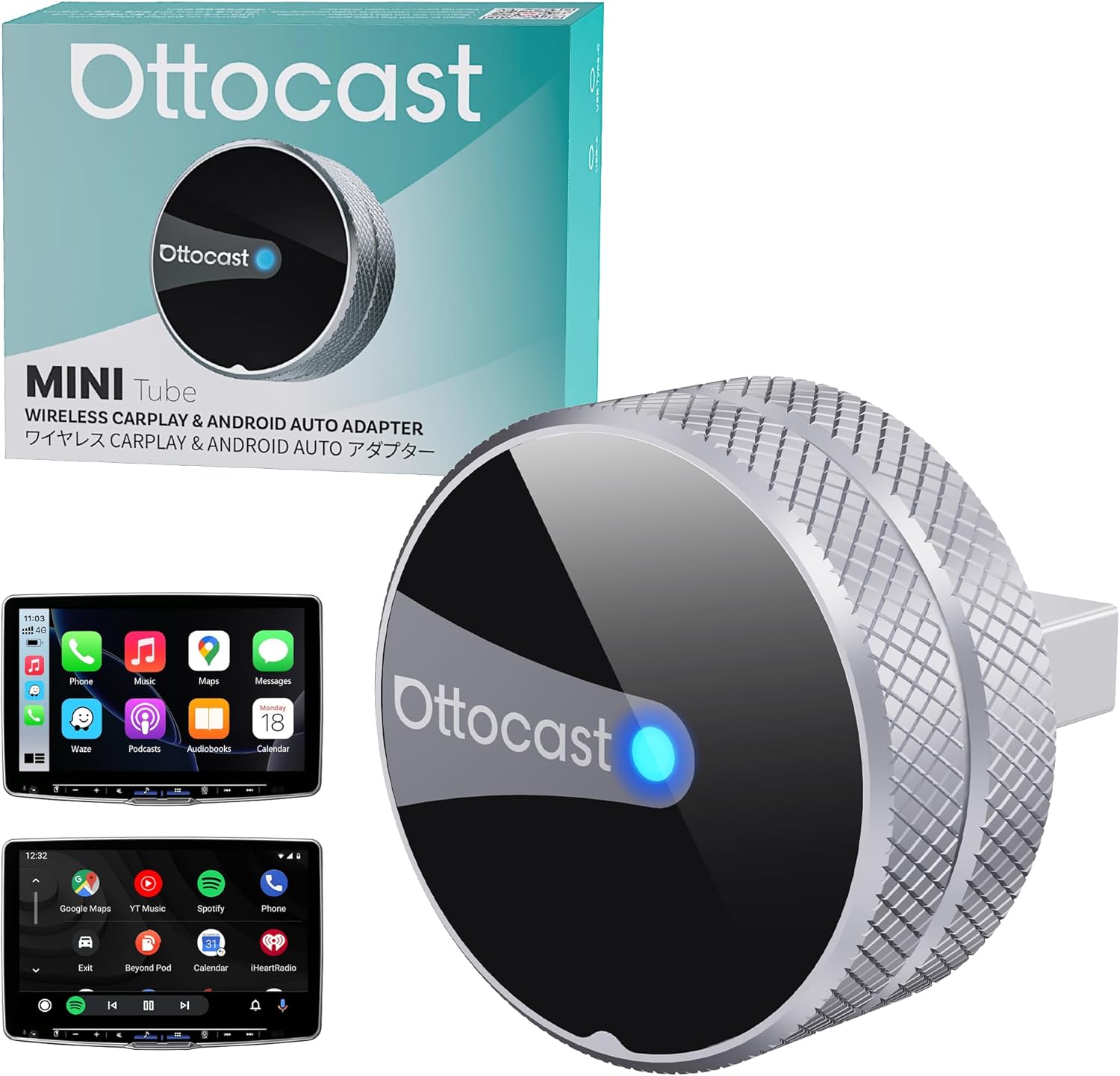
- Wired or wireless? If your car is wired-only and you want to go cable-free, use a wireless adapter.
- Touch or rotary knob? AutoIPTV works with both; with a knob you move between categories step by step.
Toyota and Lexus
Most recent models with a Toyota multimedia screen support wired Android Auto, and the newest ones also wireless. If your Toyota doesn't show newly installed apps, disconnect, remove the phone from the car's device list and pair it again.
Hyundai and Kia
Both brands share very similar systems. Models with the 8" screen usually have wireless Android Auto, while many with the 10.25" built-in navigation only support wired (depending on year and software). Hyundai and Kia publish head-unit updates that sometimes add wireless mode, so check your brand's update site.
Volkswagen, Seat, Cupra and Skoda
The VW group uses similar systems across its brands. Recent models support wireless Android Auto. If the connection drops often, try a quality USB-C cable or check our lag and dropout tips.
Peugeot, Citroën, Opel/Vauxhall and DS (Stellantis)
Touchscreens on almost every model. The newest include wireless Android Auto; older ones are wired. Some models can show Android Auto audio delay, which you can fix with the audio lag guide.
Renault and Dacia
Touchscreen systems support wired Android Auto on most versions and wireless on the latest. Models with Google built-in work differently: check that your car offers Android Auto when you connect your phone.
Ford
SYNC 3 and later support Android Auto; SYNC 4 usually adds wireless. After installing AutoIPTV, restart the car system if the app doesn't appear in the launcher.
Mazda
Mazda is mainly controlled with the rotary commander on the console, and the touchscreen is usually disabled while moving. AutoIPTV supports the knob, so you can move through channels and categories with it.
BMW and Mini
BMW offers Android Auto wireless only. It works the same with AutoIPTV: pair your phone via Bluetooth and Wi-Fi and the app will appear in the Android Auto menu.
Mercedes-Benz
MBUX systems support Android Auto (wired on many models, wireless on the newest). Make sure you use the USB port marked for data, not just charging.
MG, BYD and other Chinese brands
Many recent models include Android Auto, though the system version varies a lot. If your car has Android Auto, AutoIPTV will work as on any other brand.
Tesla
Tesla doesn't support Android Auto, so AutoIPTV can't appear on its screen.
Aftermarket Android head units
If you have a large-screen Android head unit installed in your car, see our guide to Android car screens and radios: many let you install the app directly on the unit.
Your car isn't listed?
The general rule is simple: if your car has official Android Auto and your phone runs Android 8.0 or later, AutoIPTV will work. If in doubt, message us from the contact page with make, model and year.