In the world of streaming and IPTV playlist players, APTV has gained popularity on phones and tablets due to its clean design and multi-format support. However, when drivers look to bring that same live television experience to their vehicle dashboard via Android Auto, compatibility hurdles and usability questions quickly arise.
In this guide, we analyze how APTV operates in car environments, the limitations of phone-centric players on dashboard screens, and why a purpose-built player like AutoIPTV offers a superior, safer driving experience.
What is APTV and Does It Support Android Auto?
APTV is fundamentally designed for handheld mobile touchscreens. While it parses M3U files and HLS streams reliably on smartphones, it does not provide an official native integration package for Android Auto head units.
To use generic video apps in a vehicle, users often rely on screen mirroring. Unfortunately, screen mirroring introduces critical drawbacks:
- Continuous Phone Screen On: Severe battery drain and device overheating under car sun exposure.
- Bluetooth Audio Delay: Noticeable latency between video streams and vehicular sound systems.
- Tiny, Distracting Touch Targets: Small smartphone controls are difficult and hazardous to navigate while seated behind the steering wheel.
AutoIPTV: The Dedicated Native Car TV Solution
Rather than forcing a smartphone interface onto an automotive screen, AutoIPTV was engineered from the ground up specifically for vehicular multimedia:
✓ Full steering wheel button integration to switch channels without taking your hands off the wheel.
✓ Hardware video decoding pipeline that eliminates audio lag and preserves phone battery.
✓ Dual support for M3U playlists and Xtream Codes API server logins.
How to Move Your Playlists to AutoIPTV
If you already have channels configured in APTV or another player, switching to your car dashboard is seamless:
- Copy your M3U playlist URL or your Xtream Codes API credentials (Host, Username, and Password).
- Before connecting to your vehicle, check your playlist online with our free M3U validator to confirm that live streams are active.
- Download and install the AutoIPTV APK on your Android smartphone.
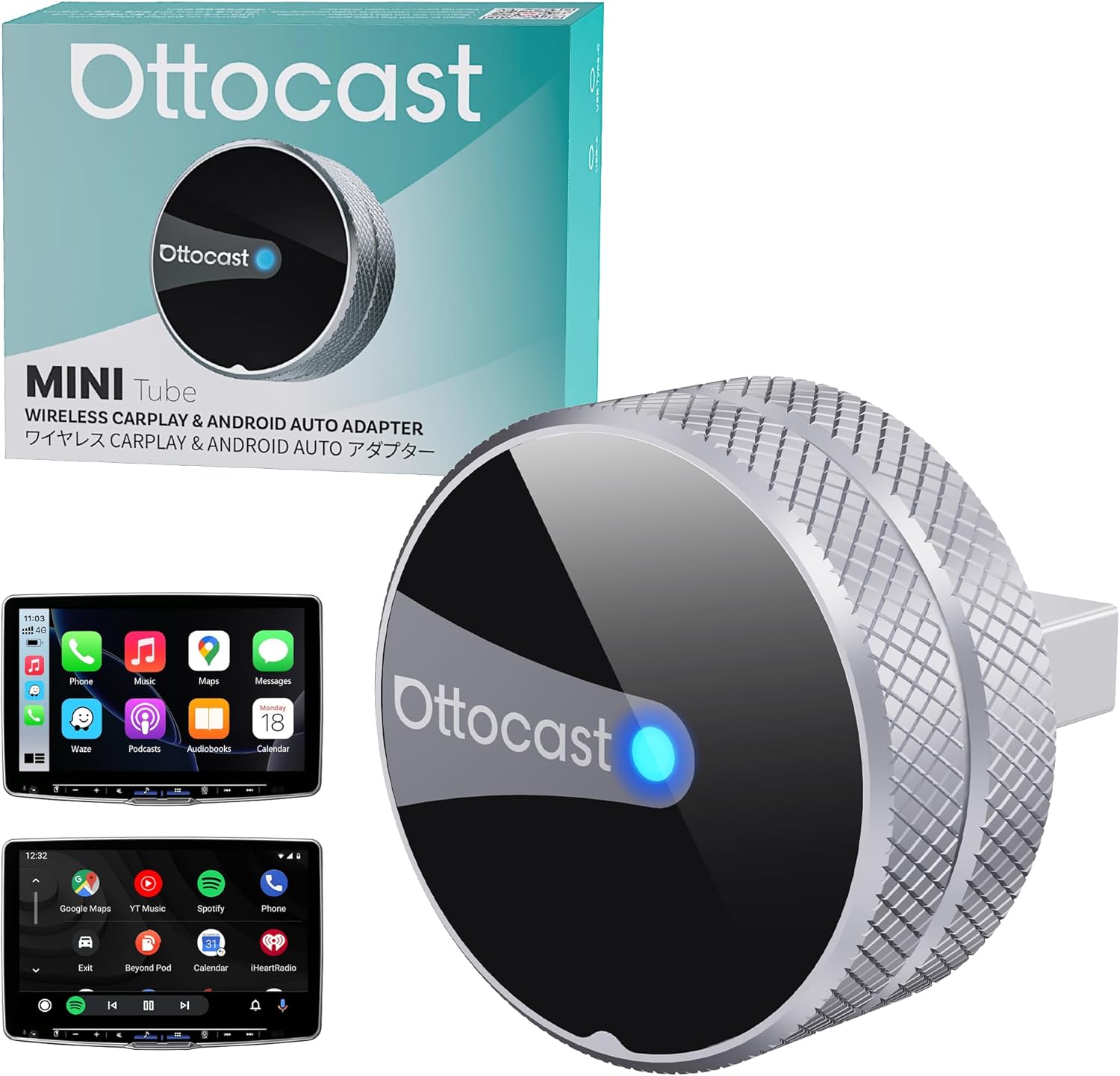
- Connect your phone to your car using USB or a wireless adapter, tap AutoIPTV on your Android Auto screen, and start watching immediately.
Download AutoIPTV Free
Experience smooth, zero-buffer live television tailored specifically for your vehicle head unit.
Download Android Auto APK